



Slow WordPress site? Check images and plugins before you blame hosting
Every few weeks someone sends me a version of the same message: "The site feels slow. Should we move to better hosting?" Sometimes the answer is yes. Most of the time, though, the server is fine and the page is simply too heavy. A 3 MB hero image, a slider nobody clicks, four plugins loading their scripts on every page, two font families in six weights. Moving that page to a faster server is like putting a bigger engine in a car that is towing a caravan.
This is the order I work in when a WordPress site is slow, and why hosting is usually the last thing I touch, not the first.
Measure before you change anything
Run the page through PageSpeed Insights and look at two things separately. The top section, when it exists, is field data from real Chrome users over the last 28 days. The section below is lab data from a single simulated load. Field data tells you whether real visitors are suffering. Lab data tells you why.
Test the pages that matter: the homepage, a key service or product page, and a blog post. Write the numbers down. If you skip this step you will "optimise" for a week and have no idea whether anything improved.
Find your LCP element first
Largest Contentful Paint (LCP) is the moment the biggest visible element in the first screen finishes rendering. Google considers 2.5 seconds or less good. On most WordPress sites the LCP element is the hero image, a background image set in a page builder, or a big headline waiting on a web font.
PageSpeed Insights names the element in its diagnostics. That one detail changes everything about where you spend your time. If the LCP element is an image, the image is the job. If it is a heading, look at fonts and render-blocking CSS. Guessing here is how people end up installing a caching plugin to fix a 2400 px PNG.
Images: the usual suspect
I would estimate that images cause more slow WordPress pages than everything else combined. The patterns repeat. A photo straight from a camera or a stock site, uploaded at 5000 px wide and resized by CSS. A PNG used for a photograph. A hero image that is lazy-loaded, so the browser waits before it even starts downloading the most important thing on the page.
The fixes are not glamorous. Resize images to the largest size they are actually displayed at. Serve WebP or AVIF where you can (WordPress has supported WebP since 5.8 and AVIF since 6.5, and most optimisation plugins handle conversion). Make sure the hero is not lazy-loaded and ideally carries fetchpriority="high". Recent WordPress versions try to do this automatically, but page builders and background images often bypass it, so check the actual HTML rather than trusting the setting.
Plugins: count the cost, not the number
"How many plugins is too many?" is the wrong question. I have seen fast sites with forty plugins and slow sites with eight. What matters is what each plugin loads and where.
A contact form plugin that loads its CSS and JavaScript on every page, when the form lives on one page. A social sharing plugin pulling in a third-party script on the homepage. A related-posts plugin running a heavy database query on every view. None of these is dramatic on its own. Together they add up to a second or more.
Install Query Monitor on a staging copy and look at slow queries, hooks, and the scripts and styles enqueued per page. Then ask, for each plugin: does this need to load here? Often the answer is to unload assets on pages that don't use them, replace a heavy plugin with a lighter one, or remove a feature nobody has used since 2021.
Fonts, sliders and third-party scripts
Web fonts are a quiet LCP killer when the headline is the largest element. Limit yourself to the weights you actually use, self-host them instead of calling an external font service, preload the one used above the fold, and use font-display: swap so text shows immediately.
Sliders deserve their own sentence: if the first slide is the LCP element and the slider script has to load before it appears, you have made your most important content wait for JavaScript. A single strong static hero almost always performs better, and in my experience converts at least as well.
Then the third parties: chat widgets, heatmaps, three analytics tags doing the same job, an embedded map on the homepage. Delay what can wait until interaction and delete what nobody looks at.
When it really is the hosting
Hosting does matter. The number to look at is Time to First Byte (TTFB), how long the server takes to start sending the page. If TTFB is consistently above roughly 800 ms on cached pages, or the admin crawls even on simple screens, the server, PHP version or caching setup is part of the problem. Shared hosting on an old PHP version with no page cache will hold any site back.
But if TTFB is fast and LCP is still four seconds, the delay is happening in the browser, downloading and rendering what you sent it. A new host won't fix that. That is why I check TTFB before anyone signs a new hosting contract.
An illustrative before and after
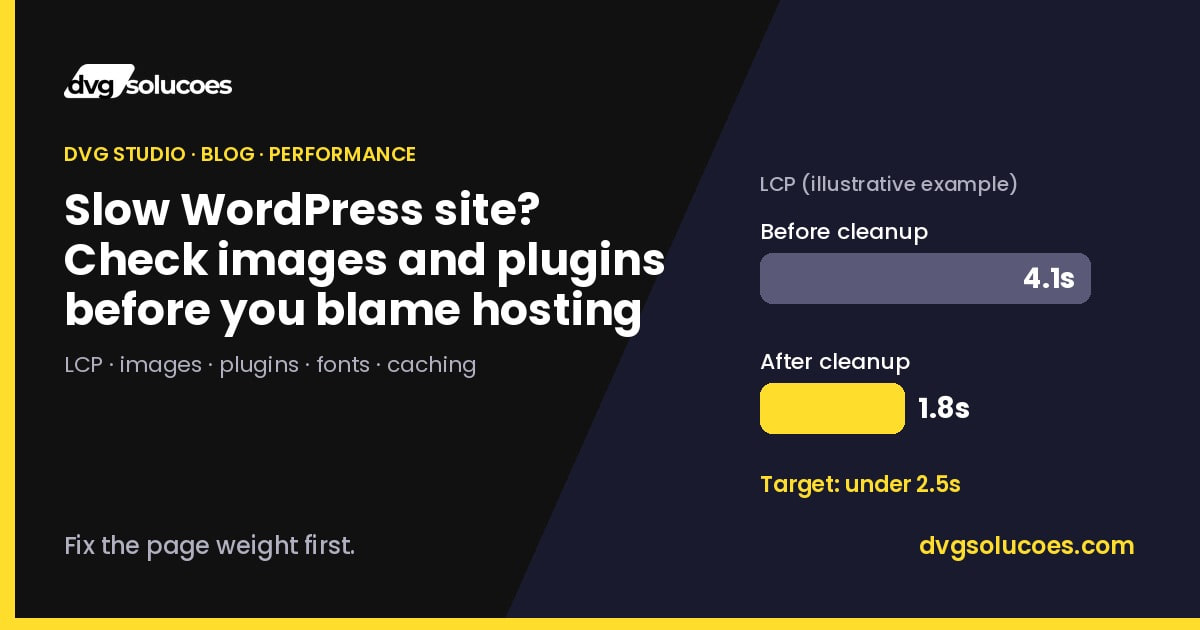
Here is an illustrative example of the pattern, not a specific client's report. A service business homepage on a page builder shows an LCP around 4.1 seconds on mobile. The LCP element is a full-width background image of about 2.8 MB, lazy-loaded by the builder. Two font families load in nine weights. A slider plugin, a popup plugin and a form plugin all load assets on every page.
The cleanup: the hero becomes a properly sized WebP served as a regular image with high fetch priority, fonts drop to one family in three self-hosted weights, the slider is replaced with a static hero, and form and popup assets only load where they are used. TTFB was already fine, so hosting stays as it is. On a page like that, LCP landing somewhere around 1.8 seconds is a realistic outcome. Your numbers will differ, but the order of operations holds.
The order we work in
First, measure field and lab data on the pages that matter. Second, identify the LCP element and fix whatever it depends on. Third, deal with images across the site. Fourth, audit plugin and third-party assets per page. Fifth, tidy fonts. Only then, look at TTFB, caching and hosting. Every change happens on staging first, and we re-test after each step so we know what actually helped.
Keeping it fast after the cleanup
Sites rarely get slow in one day. They get slow one upload and one plugin at a time. A few habits keep the gains: resize images before uploading, ask "does this need a plugin?" before installing one, and re-check PageSpeed Insights after any significant change or redesign. Field data takes about four weeks to fully reflect improvements, so don't panic if the top section moves slowly at first.
If your WordPress site feels slow and you are not sure whether it is the page or the server, that is exactly the kind of check we do at DVG Studio. Sometimes the honest answer is "keep your host, fix the hero image". That is usually the cheaper answer too.