



- DVG
- Web Design
WP Performance Tips to Boost Your Website's Speed
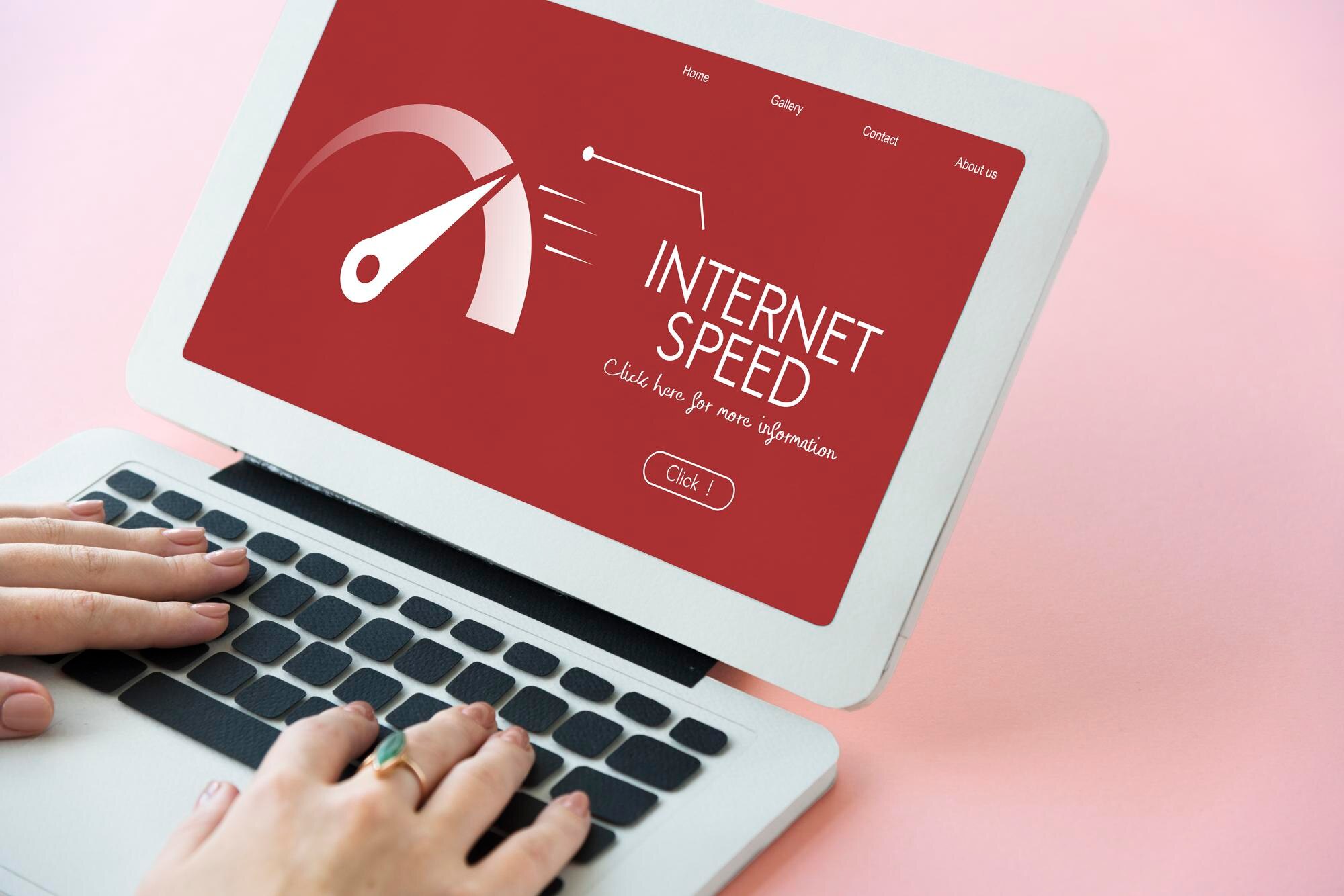
Are you tired of a slow website? Optimizing your WordPress site speed is crucial for improving user experience and search engine rankings. To optimize wordpress site speed, you need to consider several factors, including page load time, image compression, and plugin optimization.
Fortunately, there are many ways to improve your website's performance, from simple tweaks to more complex solutions. In this article, we'll explore the best WP performance tips to help you boost your website's speed and ranking.
Understanding Website Speed
Websites that load quickly provide a better user experience, leading to increased engagement and conversion rates. A slow website, on the other hand, can lead to high bounce rates and a negative impact on your search engine rankings. Page speed is a critical factor in determining your website's overall performance.
There are several tools available to help you measure your website's speed, including Google PageSpeed Insights and GTmetrix. These tools provide valuable insights into your website's performance, highlighting areas for improvement.
Optimizing Images
Images can significantly impact your website's load time, especially if they're not optimized properly. To optimize images, you can use tools like TinyPNG or ImageOptim to compress your images without sacrificing quality. You can also use lazy loading to defer the loading of images until they're needed.
- Use image compression tools to reduce file size
- Use lazy loading to defer image loading
- Use responsive images to ensure proper sizing
In addition to image optimization, you can also optimize your website's code to improve performance. This includes minifying and compressing CSS and JavaScript files, as well as leveraging browser caching.
Plugin Optimization
Plugins can be a major contributor to slow website performance, especially if you have too many installed. To optimize plugins, you should regularly review your plugin list and remove any that are no longer needed. You can also use tools like Plugin Performance Profiler to identify performance-intensive plugins.
Another important aspect of plugin optimization is to keep your plugins up-to-date. Outdated plugins can pose security risks and impact performance, so it's essential to regularly update them.
Caching and Content Delivery Networks
Caching and content delivery networks (CDNs) can significantly improve your website's performance by reducing the load on your server and minimizing the distance between your website and users. Caching involves storing frequently-used resources in memory, while CDNs cache resources at multiple locations around the world.
By implementing caching and CDNs, you can reduce your website's load time and improve user experience. There are many caching plugins available for WordPress, including W3 Total Cache and WP Super Cache.
In conclusion, optimizing your WordPress site speed is crucial for improving user experience and search engine rankings. By following these WP performance tips, you can significantly improve your website's speed and performance. Remember to regularly monitor your website's performance and make adjustments as needed to ensure optimal performance.
Don't wait any longer to optimize wordpress site speed and take your website to the next level. Start implementing these tips today and see the difference for yourself. Contact us to learn more about our WordPress optimization services and how we can help you improve your website's performance.